
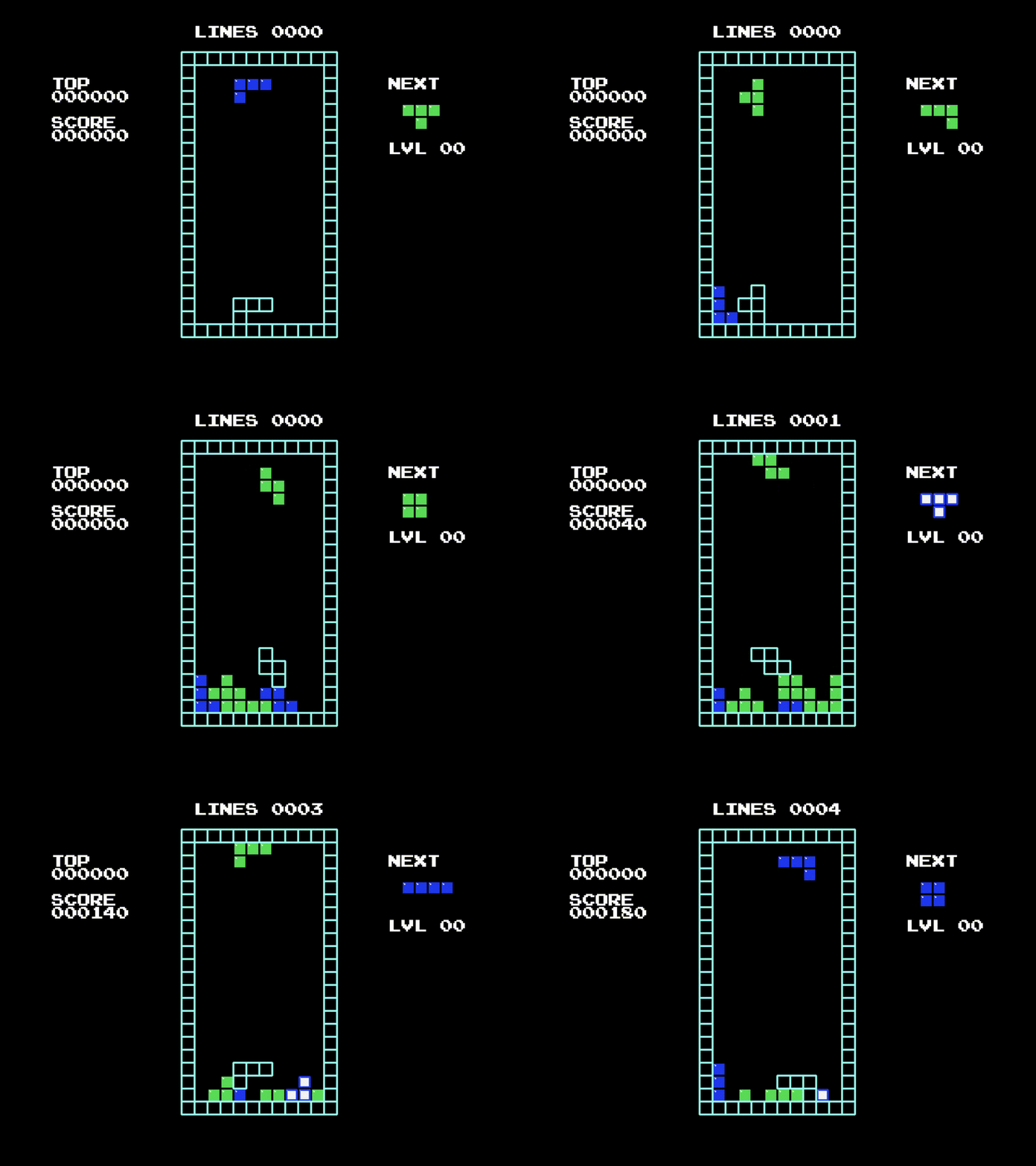
A modern, full-featured falling blocks game built with Python and the Pygame library.
Key Features •
How to Play •
Installation •
Docker Support •
Contributing •
License
---
## Key Features
* 🎮 **Single Player Mode** – Enjoy solo gameplay where blocks fall faster as you clear more lines.
* 🧠 **Scoring System** – Rack up points by clearing multiple lines simultaneously.
* 🎛️ **Keyboard Controls** – Use the arrow keys to play (custom key bindings not currently supported).
* 💻 **Cross-Platform Compatibility** – Runs on Windows, Linux, and macOS.
* 🐳 **Docker Support** – Containerized for easy deployment and web-based play.
---
## How to Play
* Move blocks using the arrow keys.
* Rotate and position blocks to complete horizontal lines.
* Clear lines to earn points and speed up gameplay.
* The game ends when the stack reaches the top.
> 💡 Pro Tip: Clearing four lines at once (a "Tetris") earns the most points!
---
## Game Mechanics
* ✅ **Rotate Right** – Rotate a piece clockwise.
* ❌ **Rotate Left** – (Not yet implemented) Rotate a piece counter-clockwise.
* ✅ **Soft Drop** – Temporarily increase the fall speed of the current piece.
* ✅ **Hard Drop** – Instantly drop the piece to the bottom of the well.
* ✅ **Lock Delay** – A short grace period before the piece locks in place.
* ✅ **Wall Kick** – Allows rotation near walls when there isn't enough space.
* ✅ **Next Piece Preview** – Shows the next piece in the queue.
---
## Installation
Clone the repository and install the local development dependencies:
```bash
git clone https://gitea.redturtle.foo/crayonix/tetri5.git
cd tetri5
pip install -r requirements.local.txt
```
To launch the game:
```bash
python main.py
```
---
## Docker Support
To build the Docker image:
```bash
docker build -t tetri5 frontend
```
To run the game in a Docker container and access it via a web browser:
```bash
docker run -p 3010:3010 tetri5
```
Then open your browser and go to:
```
http://localhost:3010
```
---
## Contributing
Contributions are welcome! Here’s how to get started:
1. Fork the repository
2. Create a new branch:
```bash
git checkout -b feature/my-feature
```
3. Make your changes and commit:
```bash
git commit -m "Add my feature"
```
4. Push to your fork:
```bash
git push origin feature/my-feature
```
5. Open a pull request on Gitea
---
## License
This project is licensed under the [FUTO Source Available License 1.0](LICENSE).
---
Made with ❤️ using Python & Pygame